Guide · Ramadan
Setting up your restaurant for Ramadan
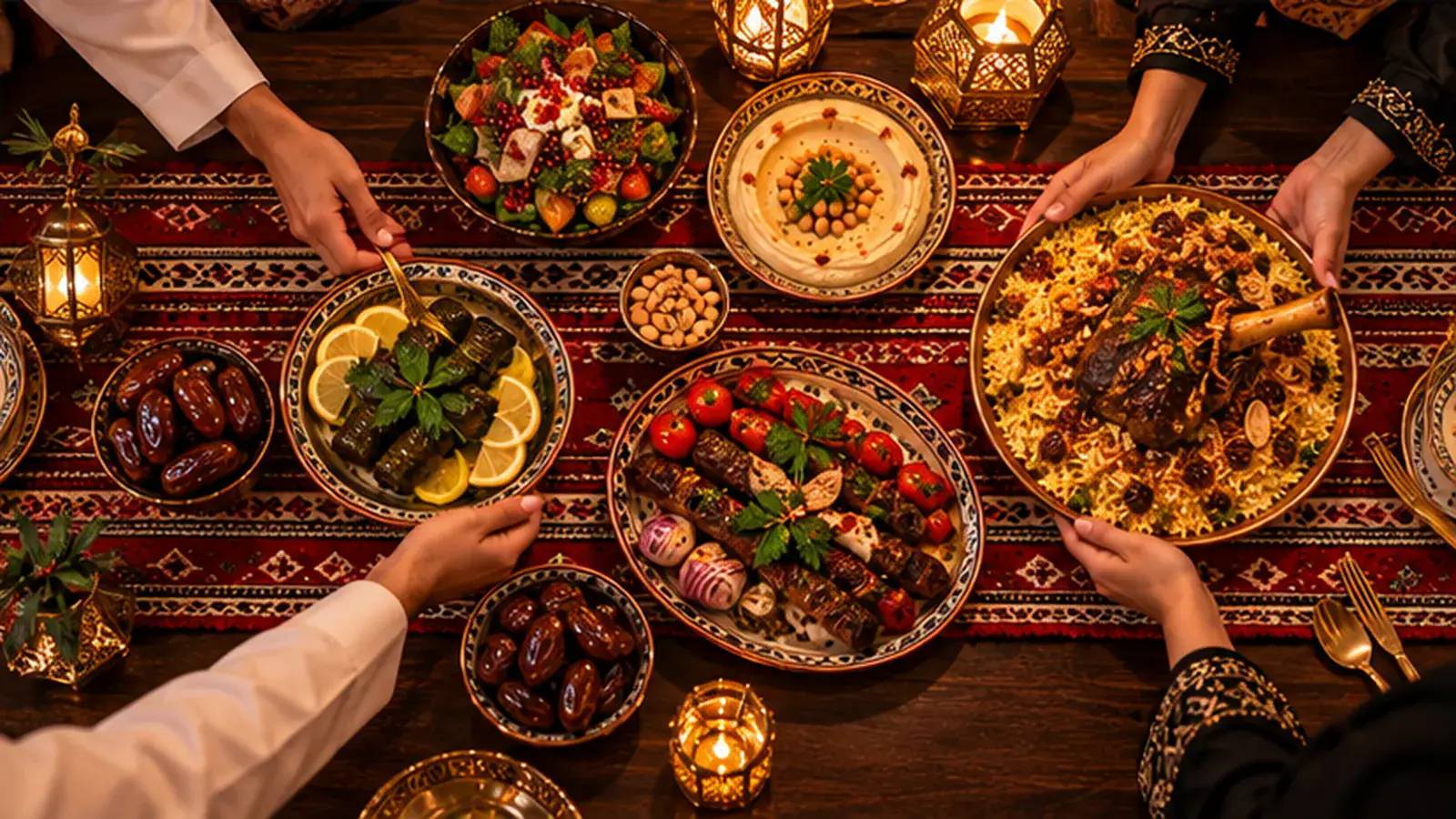
Set your Ramadan hours, open iftar ordering slots that follow the sunset, require prepayment for iftar to avoid no-shows, add suhoor hours if you open late, and tell your regulars on WhatsApp. Onetap switches to Ramadan mode automatically on the Umm al-Qura dates, and you can adjust the dates if the moon sighting differs.
At a glance
- Dates
- Umm al-Qura calendar, adjustable for the moon sighting
- Iftar
- Ordering slots at sunset for your branch location; optional prepayment
- Suhoor
- Late-night hours on Ramadan nights
- Bookings
- Experiences such as an iftar buffet, prepaid and capacity-limited
Six weeks before
- Plan the iftar menu and set it up as a separate menu or experience
- Decide on prepayment for iftar orders and bookings
- Train staff on the busy hour just before sunset
Two weeks before
- Turn on Ramadan hours and suhoor hours
- Set iftar order cut-off (for example 60 minutes before sunset)
- Schedule a WhatsApp offer to guests who opted in
During Ramadan
Watch the kitchen display at sunset, use busy mode to pause online orders for a few minutes if the kitchen falls behind, and keep the waitlist open for walk-ins after iftar.
Questions
Do iftar times update every day?
Yes. Slots follow the sunset at your branch's location each day.
Can we stop online orders at sunset?
Set the iftar cut-off and use busy mode to pause online ordering when the kitchen is full.